
Learn How to Create Beautiful 3D Worlds
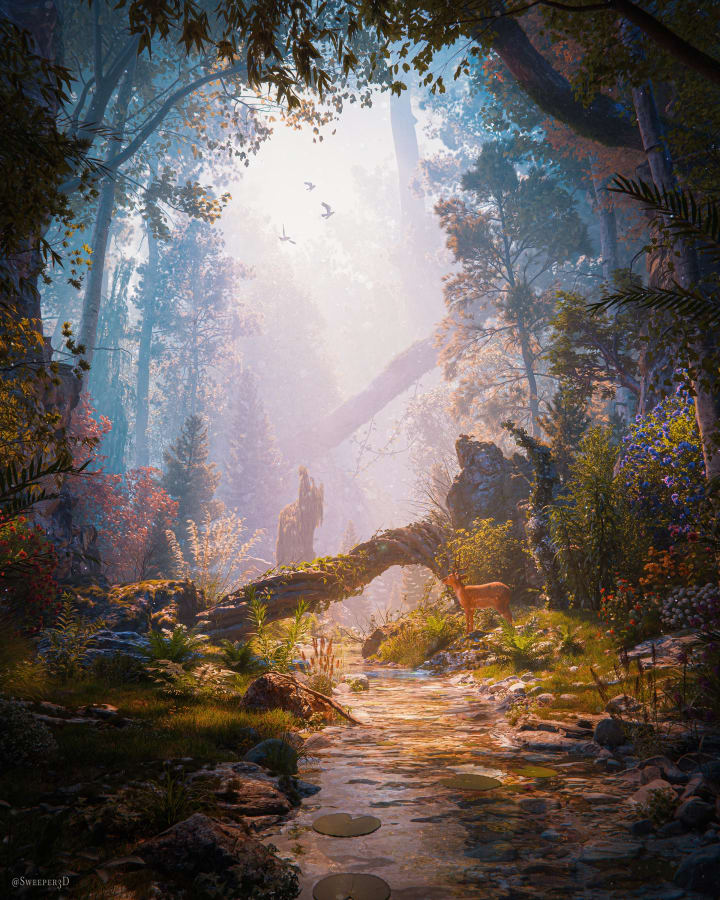
Join 700+ artists learning environment art through premium Blender tutorials, project files, process videos, and tools.
Explore the full libraryRecently Added
Browse All Content →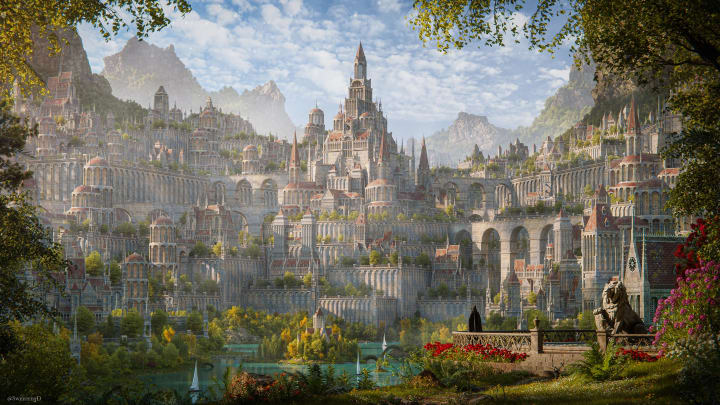
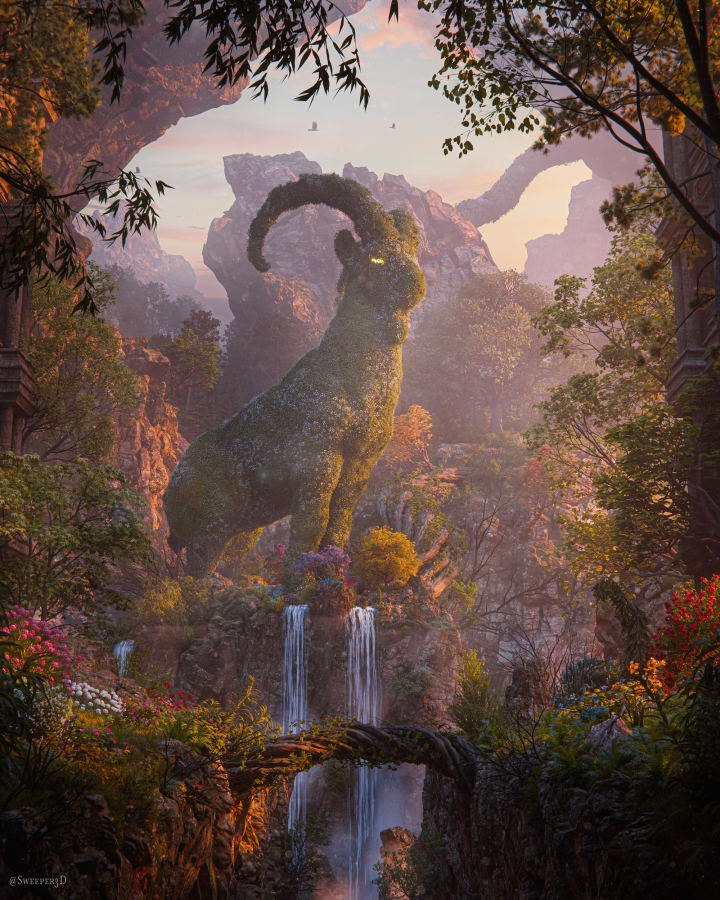

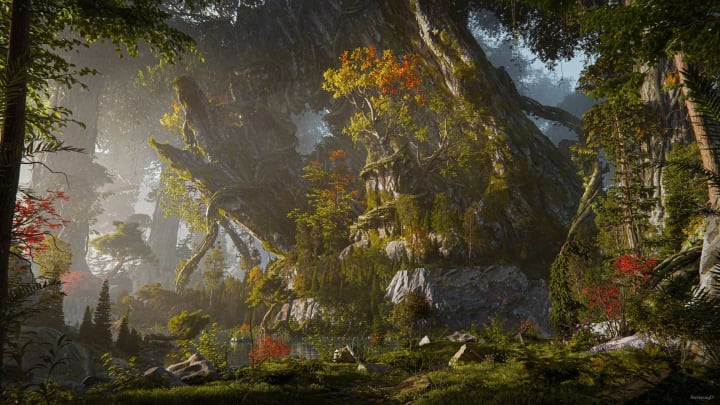
What You'll Get

In-Depth Tutorials
Fully narrated environment art tutorials with clear, step-by-step guidance.

Asset Packs & 3D Models
High-quality assets and models used in my own renders, free for personal and commercial use.

Full Project Files
Finished Blender scenes to study lighting, materials, composition, and scene setup.

Process Videos
80+ recordings showing the full creation process from start to finish.
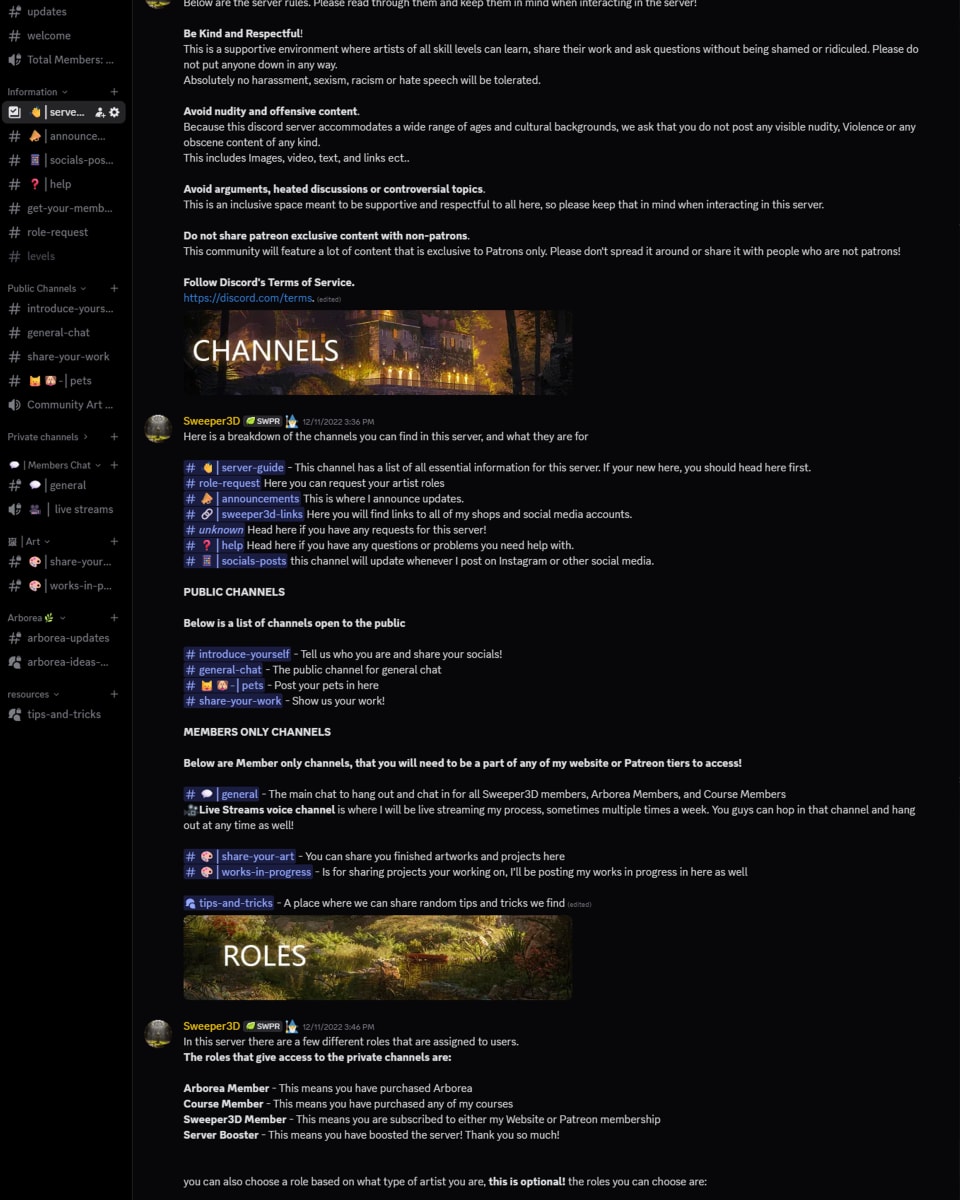
Discord Community
Connect with environment artists, share work, and get feedback.

Member Discounts
25% off courses and Arborea as a member.
What Artists Are Saying
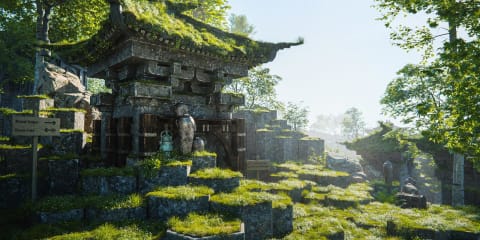
“By far the best nature addon out there. I haven't ever enjoyed making nature scenes nearly as much as when I started using Arborea”
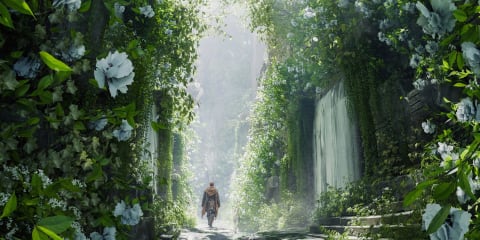
“HIGHLY recommend to anyone who wants to create better looking environments!”
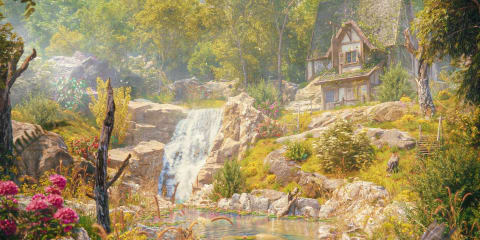
“I've always been afraid of making animations. Thanks to Sweeper I've finally got an efficient workflow with top results!”
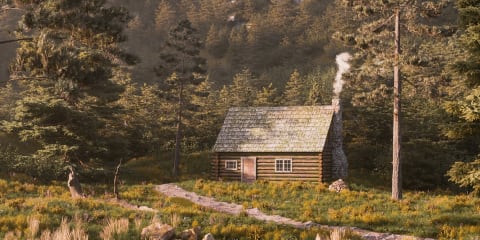
“Sweeper3D's videos have helped me fine-tune my workflow and deepened my understanding of how large nature scenes are made”
The Complete Environment Creation Toolkit for Blender
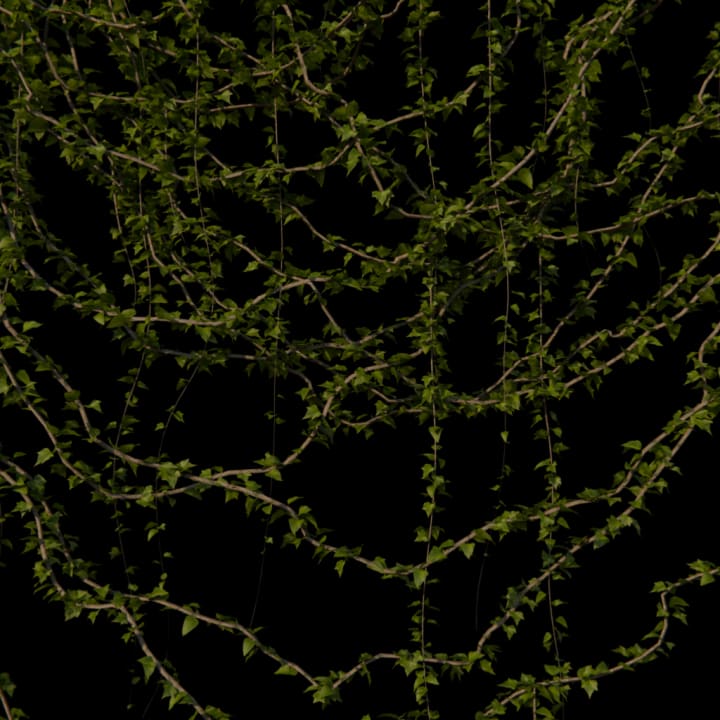
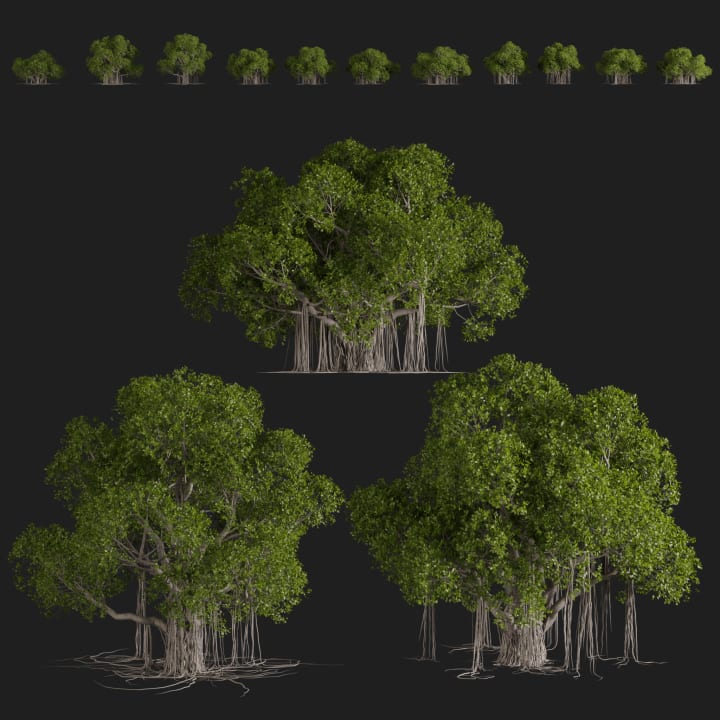
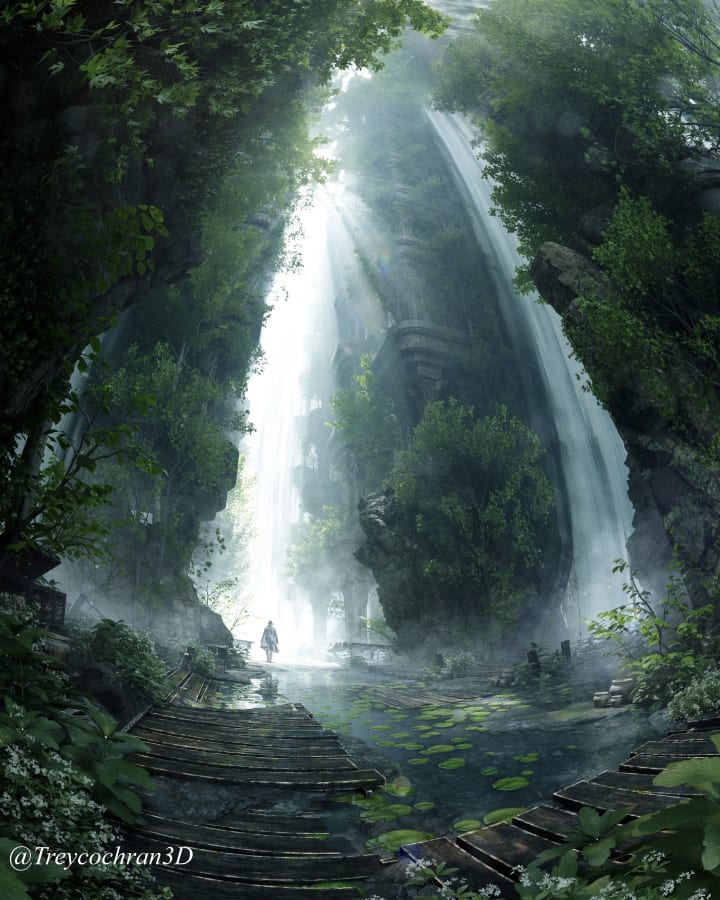
769 detailed nature assets and procedural tools. Scatter entire forests with an intuitive system built to feel fast, flexible, and easy to control.
- 769 Assets
- Fast & Intuitive Scatter System
- Geometry Node Tools
- Seasonal Variations




Membership FAQs
A few quick answers before you choose your plan.
What software do I need?
Can I use the assets in my own work?
Member assets are free to use for personal and commercial use. You cannot redistribute those assets or sell them. See Terms & Licenses for full details.
What's your refund policy?
You can request a full refund within 30 days if the membership isn't the right fit for you. After a refund, access to member content and downloadable assets is removed.
Can I cancel anytime?
Yes. There's no contract, and you can cancel from your account page in just a couple of clicks. Once canceled, you won't be billed again.
Is this beginner friendly?
Yes, I try to explain what I'm doing and why throughout my tutorials, and most lessons are taught step by step. I do recommend knowing the basics of navigating Blender first, since that will make everything easier to follow. And if you get stuck, there's a members help section where you can reach out anytime.